
Measure plans on iPad without the bloat
Set a scale you can see and trust, then pull every quantity the job needs — with Apple Pencil, right on the drawing.
The scale stays visible and editable the whole time you measure.
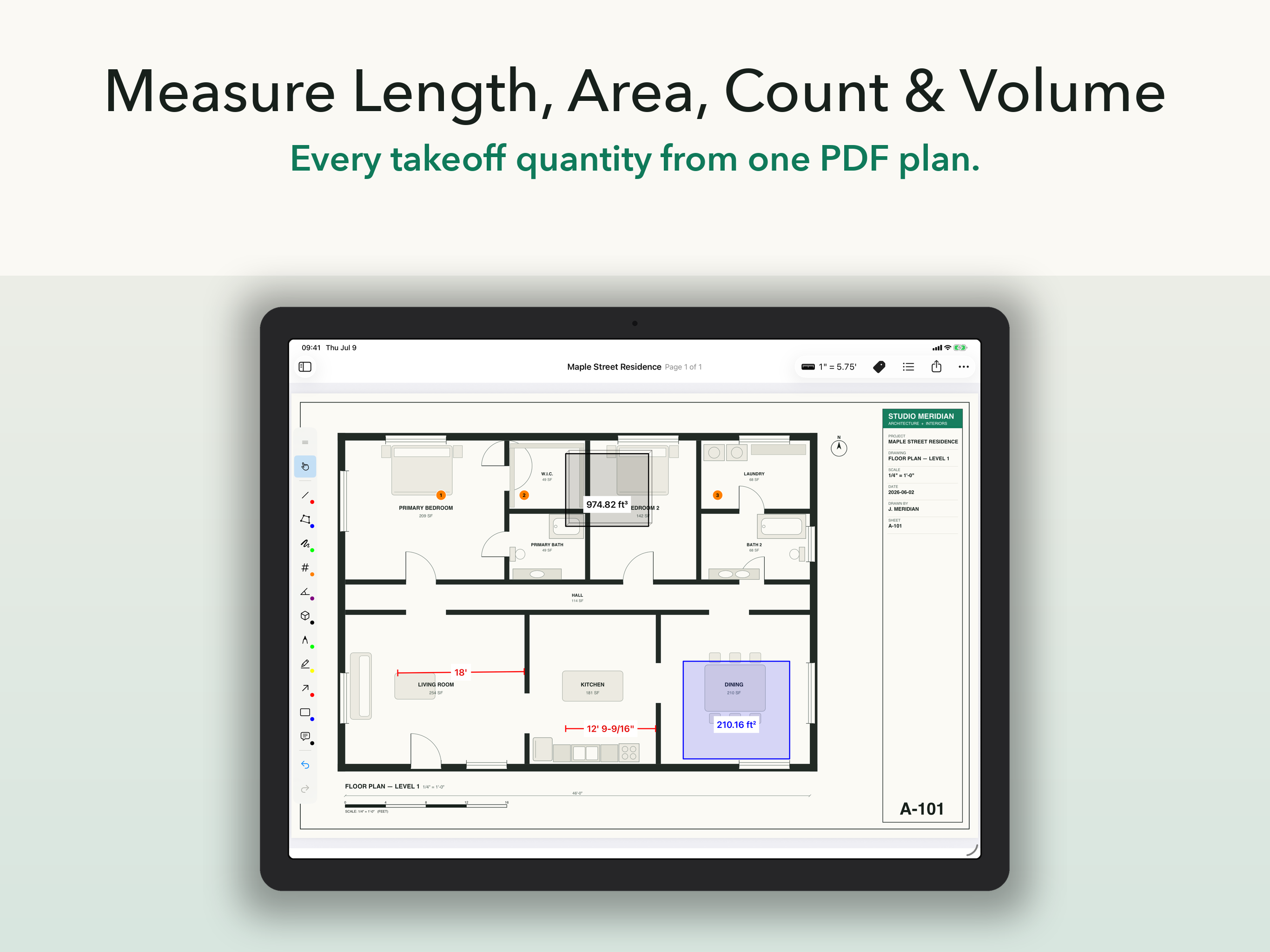
Calibrate scale, place measurements, and keep the drawing readable while you work.
What you get
Scale calibration, four ways
Calibrate a known distance, apply a preset, trace the scale bar, or set scale regions for split sheets.
- Document, per-page, or per-region scale
- Imperial and metric, including fractional inches
Every takeoff quantity
Seven measurement types cover the drawing, not just the easy parts.
- Length, area, polyline, count, angle, arc, and volume
- Snapping, endpoint editing, undo, and redo
Organized as you go
Every measurement lands in a list with labels, pages, and values.
- Rename, group, and bulk-edit
- Tap a row to jump to the mark
Numbers that go somewhere
Send annotated PDFs as visual proof, and XLSX or CSV quantity data straight into your estimate. No retyping from a screenshot.
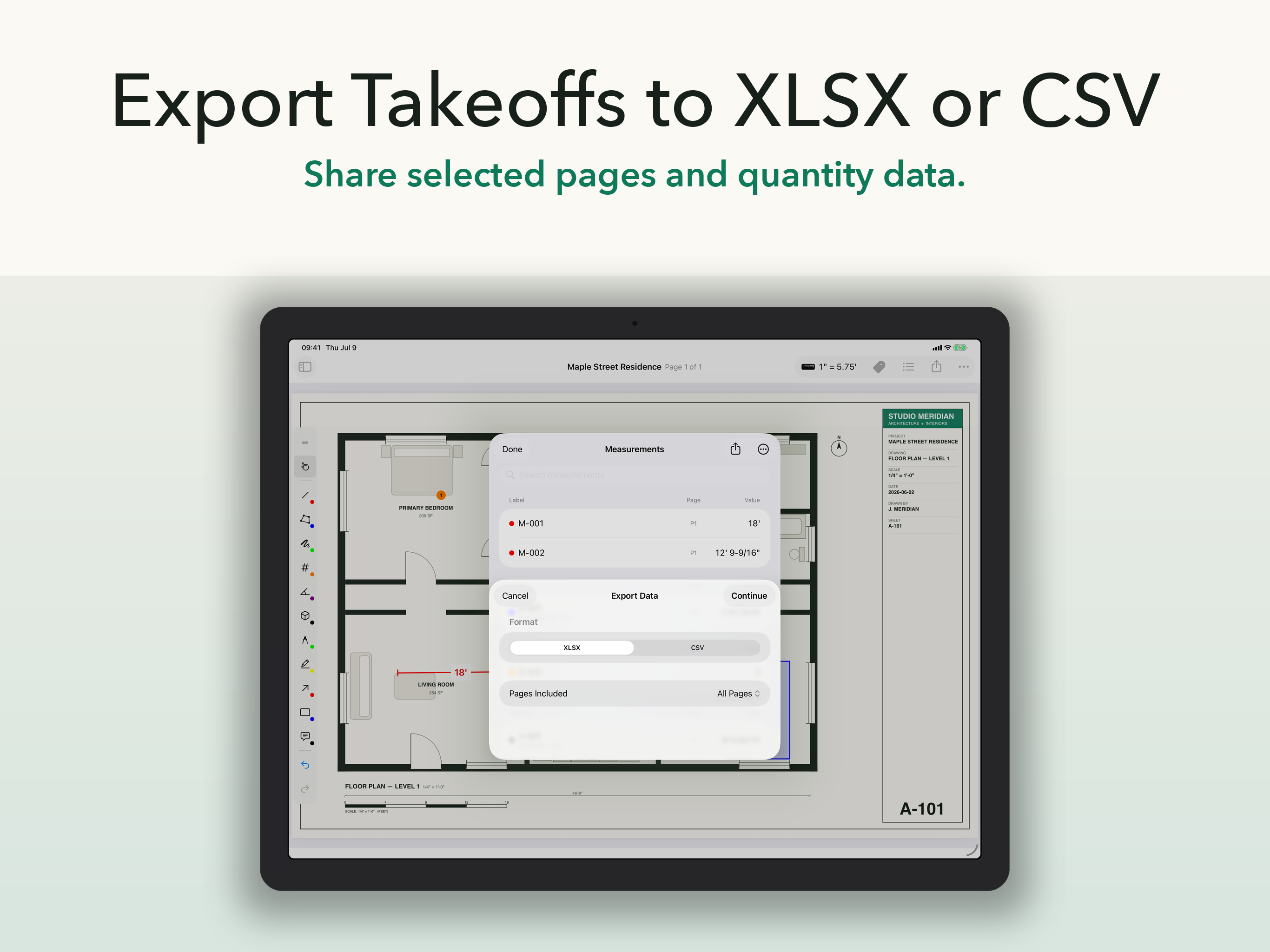
Share results as an annotated PDF for proof and XLSX or CSV for downstream totals.
Real plan sets change scale. ScaleTap keeps up.
Mixed scales across pages, details at a different scale on the same sheet — set document, page, or region scale and every measurement records which one it used, all the way into the exports.