Open a plan
Import from Files, email, or your storage app. No account, no setup.
Set the scale, measure lengths, areas, and counts with Apple Pencil, then send marked PDFs and spreadsheet-ready quantities. No account required, and core plan work stays offline.
Free viewing and markup · 7-day Pro trial with yearly · Your PDFs stay accessible without Pro
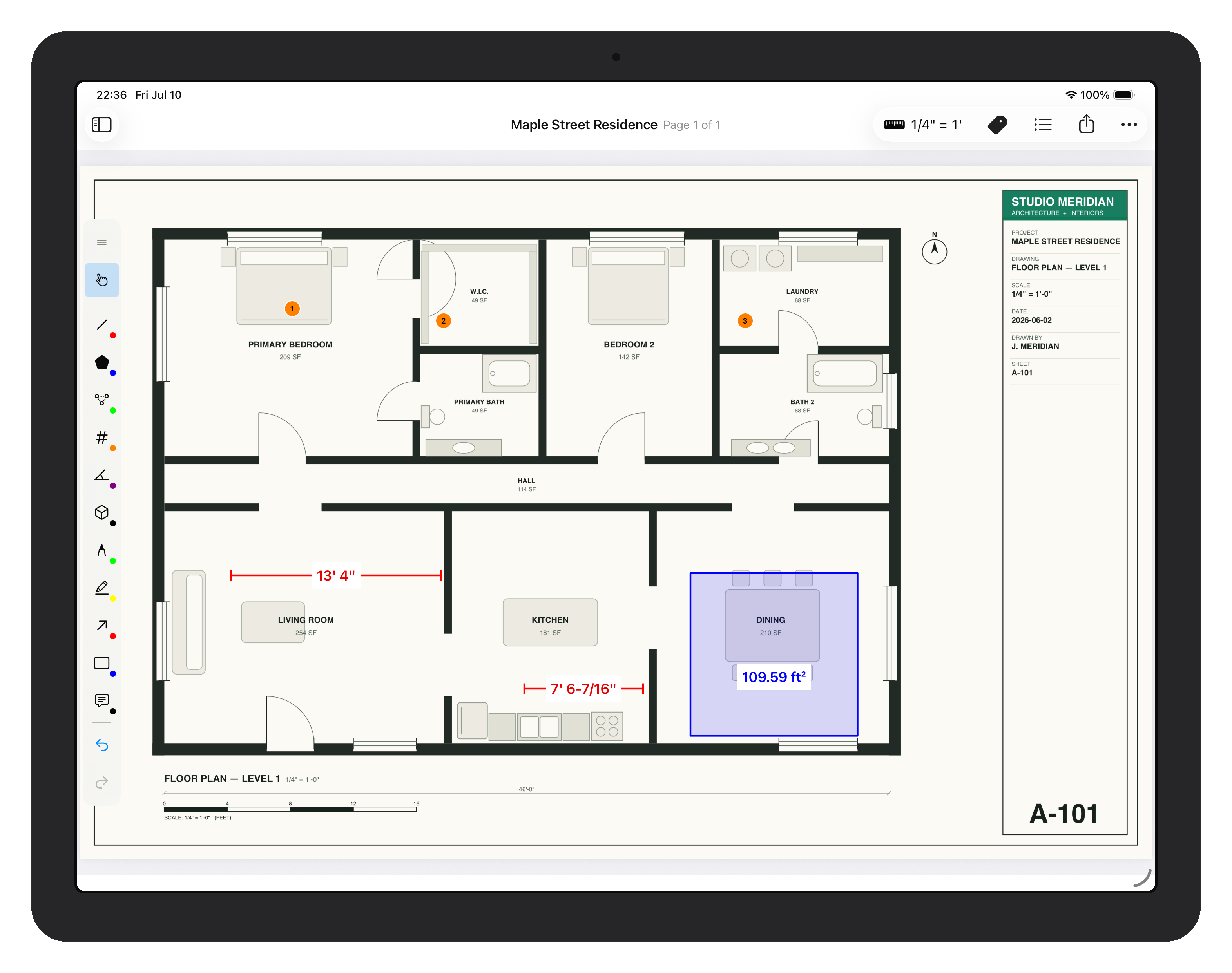
Four direct steps, with the drawing visible the whole time.
Import from Files, email, or your storage app. No account, no setup.
Calibrate two points, apply a preset, or trace the scale bar — the scale stays visible while you work.
Length, area, count, angle, volume — placed with Apple Pencil, snapped to the drawing.
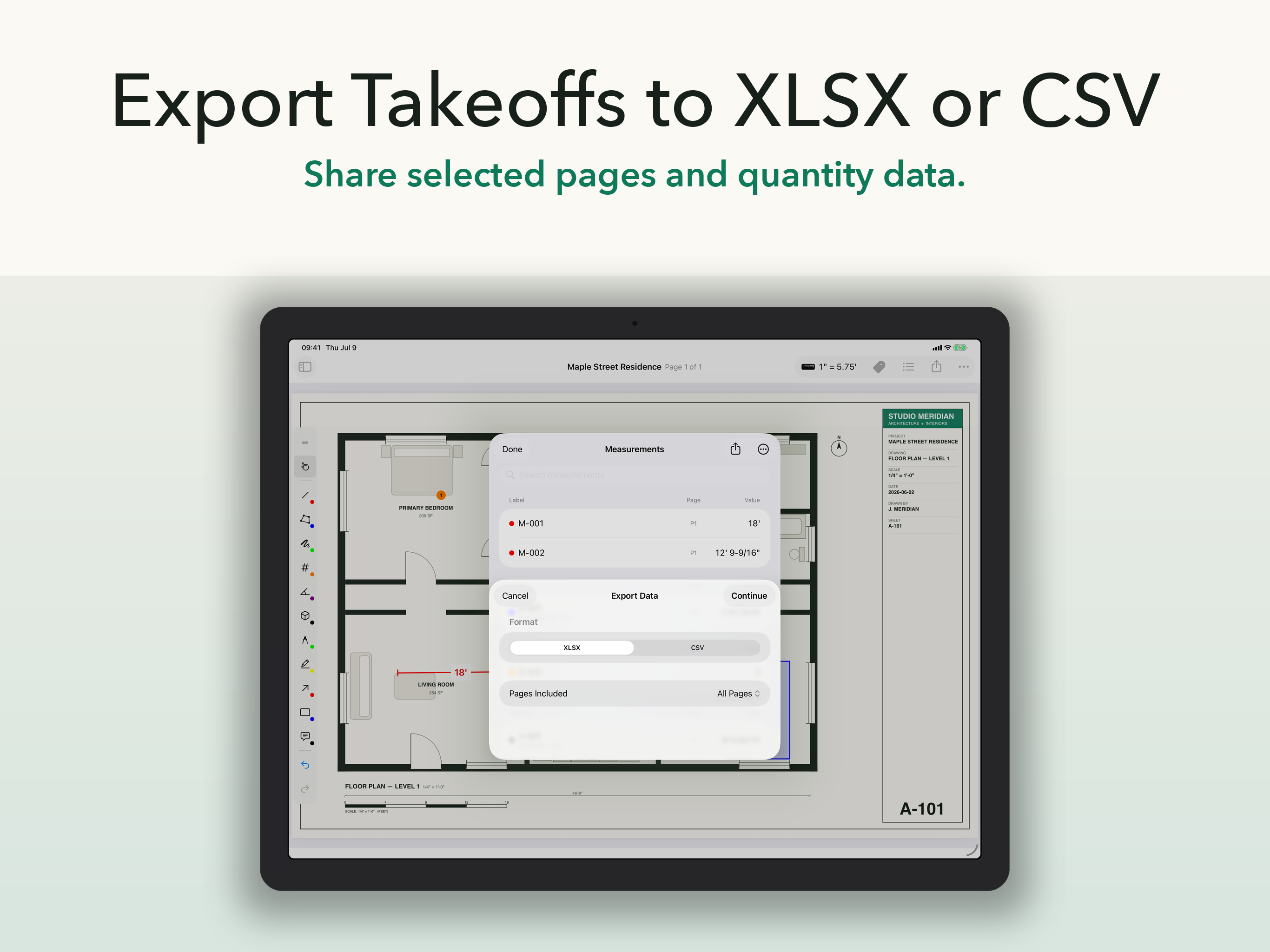
Flattened PDF for proof, XLSX or CSV for the estimate. Opens in any PDF viewer.
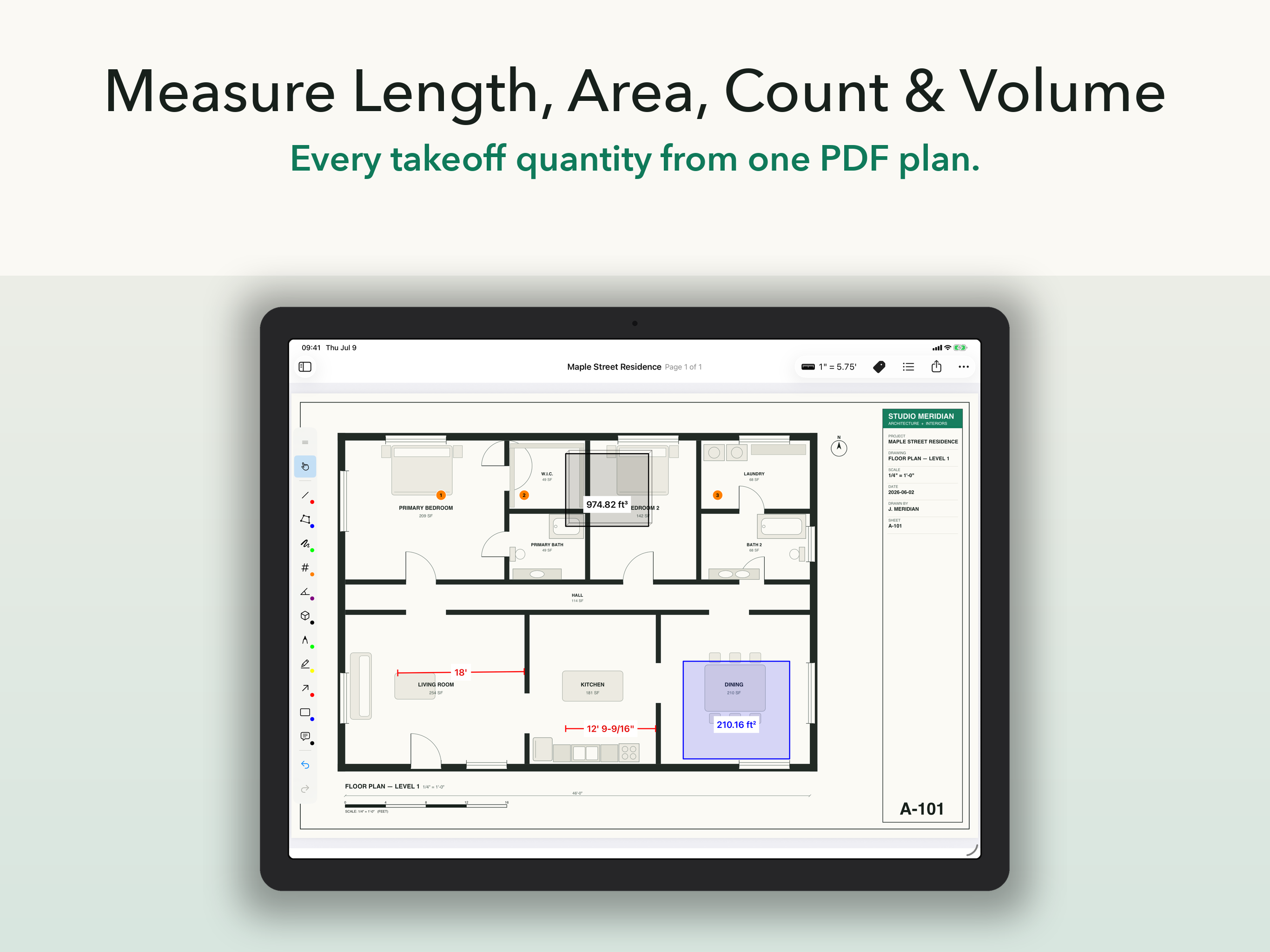
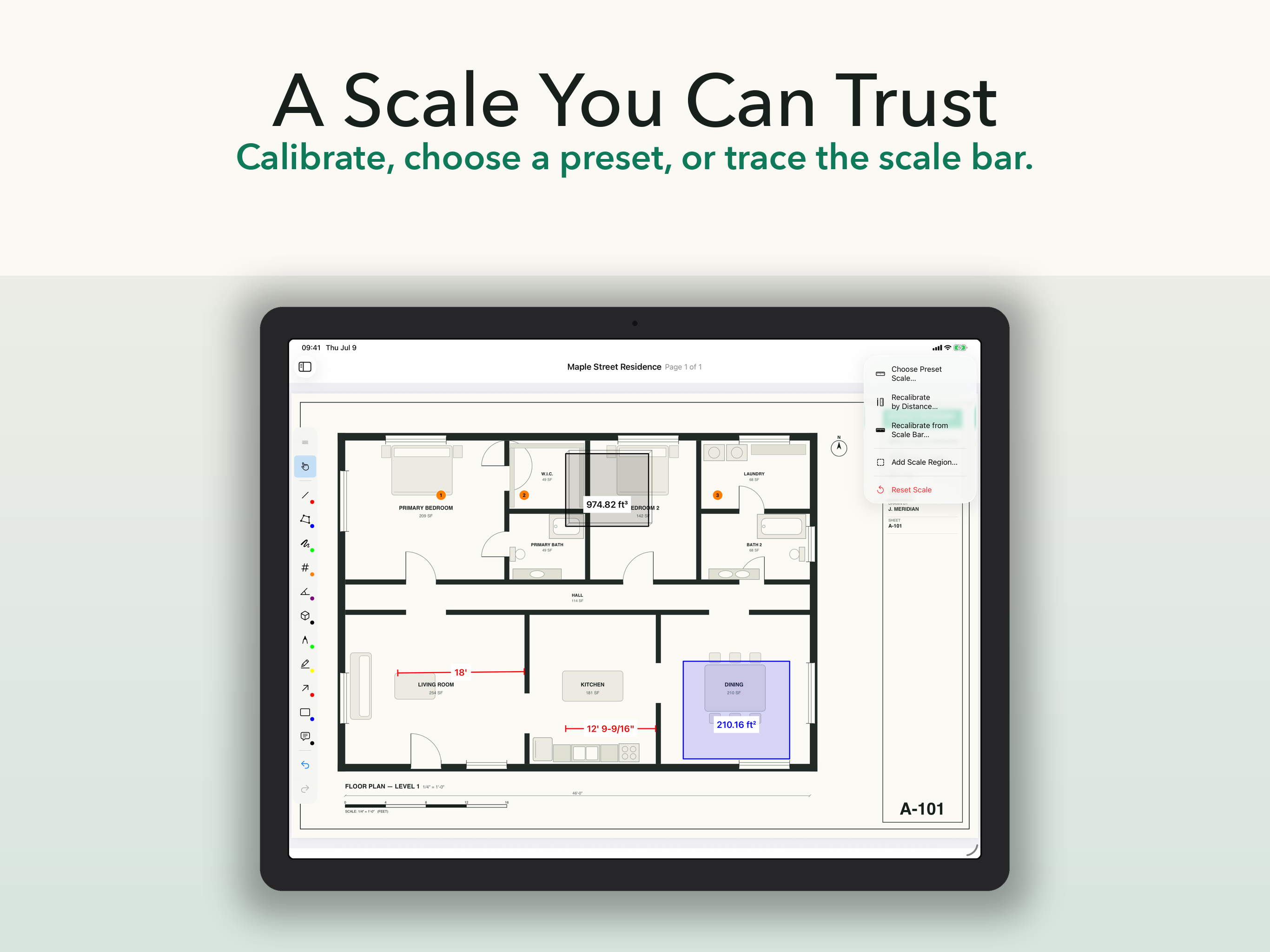
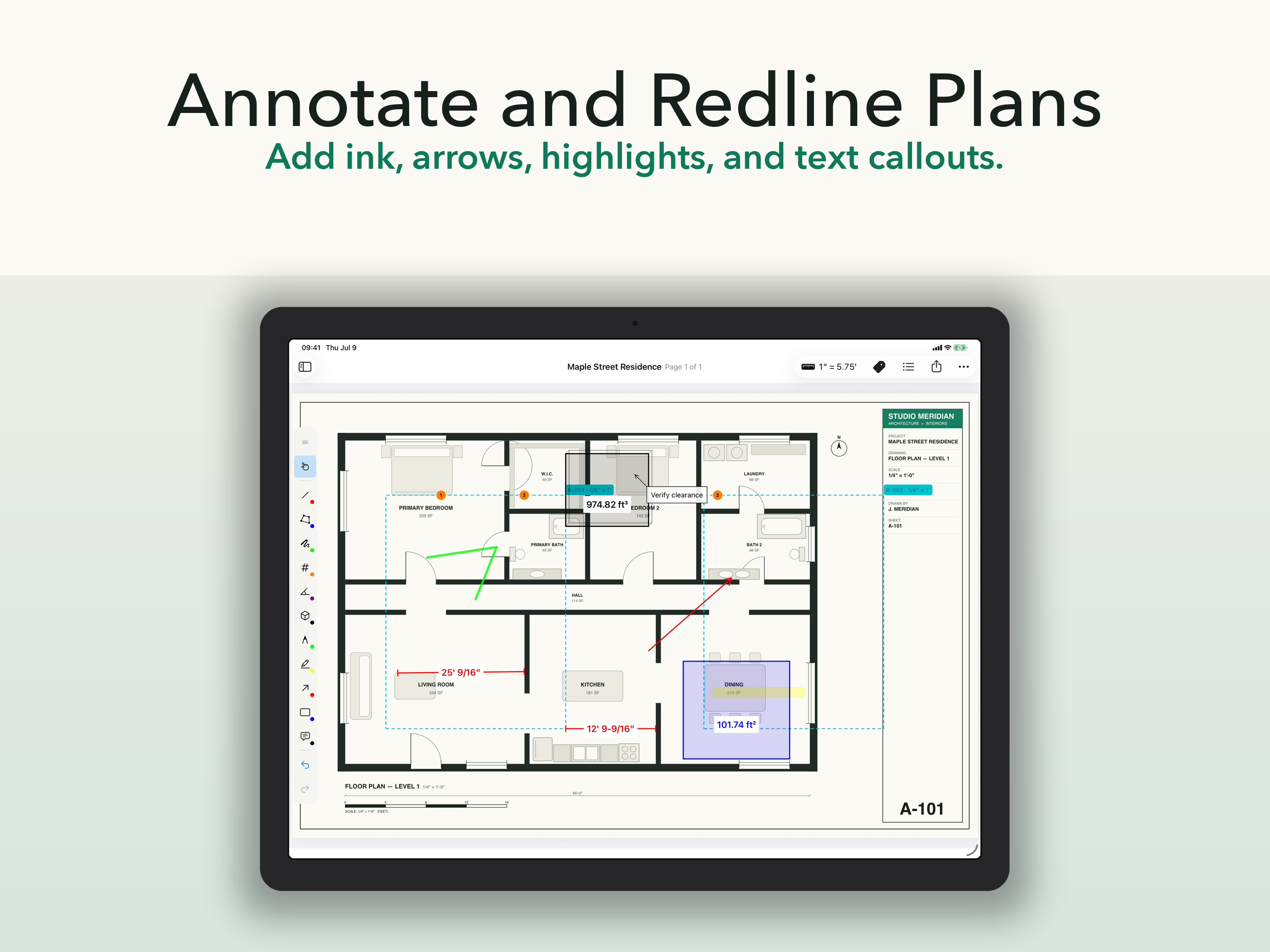
Every tool earns its place. Everything else stayed out.
A wrong scale is a wrong bid. Calibration stays visible, per page or per region, so every number traces back to a scale you set.
Tools live at the edge of the screen, not on top of your plan. Pencil draws, finger pans — the way iPad should work.
Flattened PDFs open cleanly anywhere. XLSX and CSV drop straight into your estimate. XFDF keeps annotations portable.
Whether you're checking one dimension on site or taking off a whole bid.
Check dimensions, document issues, and send marked-up proof before you leave the site.
Capture quantities anywhere and drop clean XLSX or CSV data into your estimate.
Keep measurements, callouts, and revisions on the drawing — markup is free, forever.
ScaleTap does what field teams actually used Revu for on iPad — calibrated measurement, markup, clean exports — without dragging a desktop suite onto a tablet.
Viewing and markup are included free. Start the yearly trial when you're ready to measure and export.
Flexible access for one project or a short-term workload.
7-day free trial, then about $6.67 a month billed yearly through Apple.
Reference prices are shown in USD. Your App Store price may vary by country or region, currency, and applicable taxes. Apple shows the actual price before purchase.
Yes. Opening PDFs, measuring, marking up, and exporting all work offline. Only purchases and restores need connectivity.
Yes — that's the best way to judge it. The yearly plan includes a 7-day free trial, so you can run a real takeoff before paying anything.
Flattened annotated PDFs (with an optional measurement summary), plus XLSX, CSV, and XFDF measurement data.
Your PDFs stay yours. You can keep importing, opening, navigating, and marking up documents for free — Pro only gates measurement, calibration, and data export.
No. ScaleTap works without an app account or cloud workspace. Import a PDF from Files and start working on your iPad.
Download ScaleTap free, import your PDF, and start the 7-day Pro trial when you're ready to measure.